7 Common Design Mistakes to Avoid on Personalised Drink Coasters
When you’re creating personalised drink coasters—whether for a wedding, corporate event, brewery launch, or pub promotion—the design choices you make will directly affect how professional and eye-catching the final product looks. A perfectly designed coaster can become a conversation starter, a keepsake, or even a branding powerhouse.
But here’s the catch: even small mistakes in your design file can lead to underwhelming results in print. From fuzzy images to awkward text placement, these errors are common, yet avoidable.
In this guide, we’ll walk you through the seven most frequent coaster design mistakes and how to avoid them, ensuring your personalised drink coasters look as good in hand as they do on your screen.
Why Your Coaster Design Matters
Think about it—coasters are small but mighty. They sit in front of customers for the duration of a drink, catching their eye multiple times. Whether you’re creating them for brand marketing, personal celebrations, or retail sales, every design detail counts.
If you want your coasters to impress and last, working with experts helps. At Beer Mat Print, our team guides you through every step—from choosing materials to ensuring your design is print-ready—so your vision translates perfectly onto the final product.
1. Using Low-Resolution Images
One of the biggest mistakes beginners make is designing with images that look fine on a screen but print blurry. Screens can hide pixelation, but printing will reveal every flaw.
The Fix:
- Always use images at 300 DPI (dots per inch) for print.
- Avoid pulling images from the web, as they’re often only 72 DPI.
- If in doubt, ask your printer to check resolution before you confirm the order.
Remember: a sharp image is the foundation of a professional-looking coaster.
2. Ignoring Bleed and Safe Margins
When coasters are cut to size, the blade doesn’t always land in the exact same place every time—there’s a margin of error. This is why bleed and safe areas are crucial.
The Fix:
- Bleed area: Extend your background beyond the trim line by 3 mm on all sides. This prevents unwanted white edges.
- Safe margin: Keep key elements (logos, text) at least 3 mm inside the trim line to avoid accidental cuts.
Beer Mat Print’s design guide offers clear visual examples of bleed and safe zones, so you can set up your file correctly the first time.
3. Poor Layout and Composition
Even if your artwork is high resolution, bad layout can ruin it. Elements that are too close to the edge, misaligned graphics, or overcrowded designs make coasters look unprofessional.
The Fix:
- Use a grid to balance your design.
- Keep it simple—coasters have limited space.
- Make your logo the focal point, with supporting elements arranged harmoniously.
A good rule of thumb: if it feels cramped on screen, it will be worse in print.
4. Choosing Fonts That Aren’t Readable
Tiny, fancy fonts might look great in theory, but if guests have to squint, the message is lost.
The Fix:
- Minimum recommended font size for coasters is 7–8 pt for print.
- Use clean, sans-serif fonts for small text.
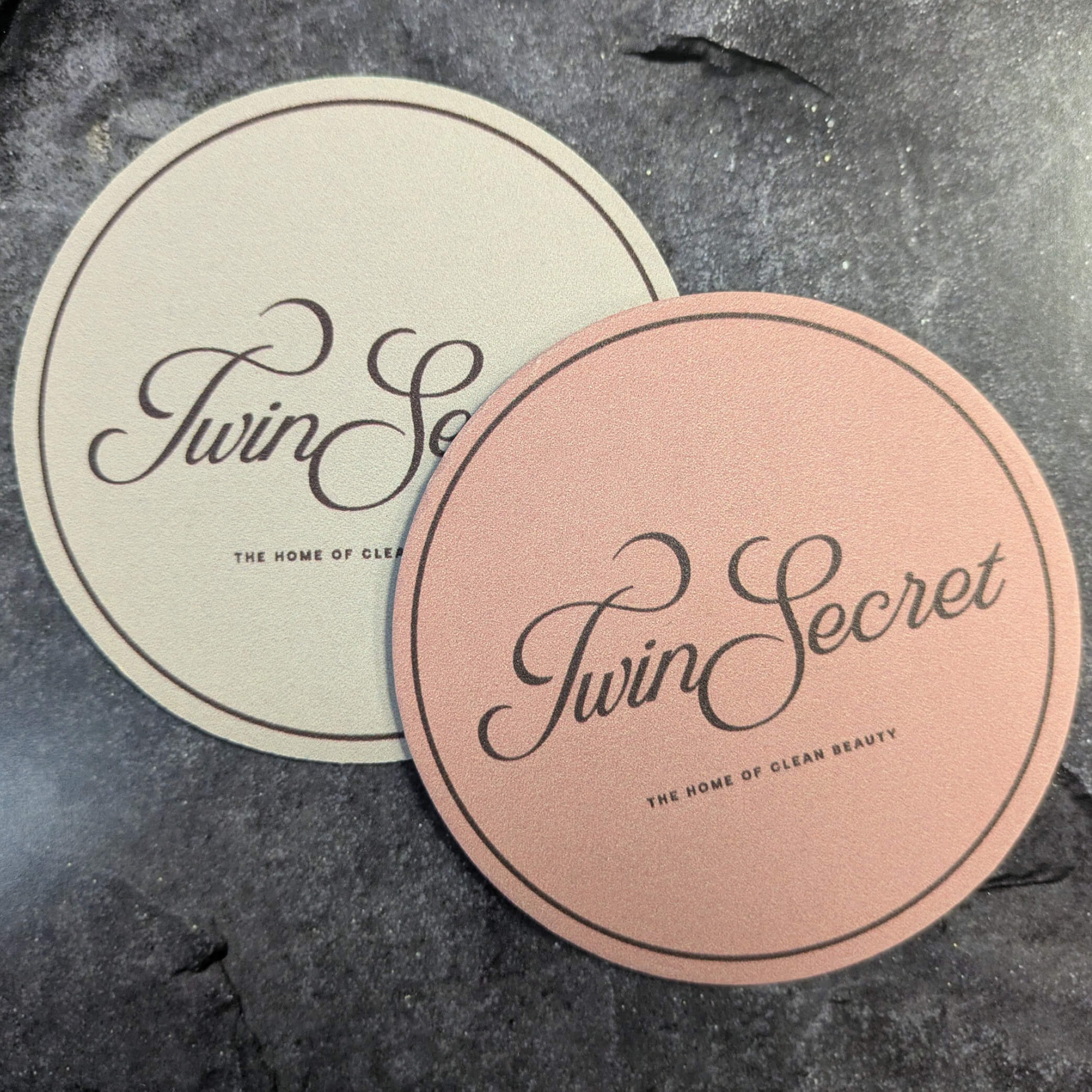
- Save script or decorative fonts for larger headlines only.
And remember: contrast matters. Dark text on a dark background will disappear in dim bar lighting.
5. Overlooking Colour Safety for Print
Colours can look dramatically different in print compared to on screen because printers use CMYK inks, not RGB light.
The Fix:
- Design in CMYK colour mode from the start.
- Avoid neon or very bright RGB-only colours.
- Request a proof or printed sample if colour accuracy is critical.
By working with a specialist in personalised drink coasters, you can get colour advice before committing to a large print run.
6. Forgetting About the Coaster’s Material
Different coaster materials absorb ink differently, affecting colour vibrancy and detail sharpness.
The Fix:
- Choose material with your use case in mind—thicker pulpboard for durability, thinner for short-term events.
- Ask your printer how your chosen colours will perform on the selected stock.
You can explore different materials and finishes in Beer Mat Print’s coaster gallery to get inspiration before you design.
7. Skipping the Final Proof Check
Rushing to print without a final review is risky. Even a small typo or alignment issue can ruin a whole batch.
The Fix:
- Always request a digital or physical proof.
- Check for spelling errors, logo clarity, and placement issues.
- Have a second pair of eyes review the design before approval.
A few extra minutes here can save you from costly reprints.
Bonus: Tips for First-Time Coaster Designers
Since many of our readers are creating personalised drink coasters for the first time, here are a few extra tips:
- Stick to 2–3 key colours for a clean look.
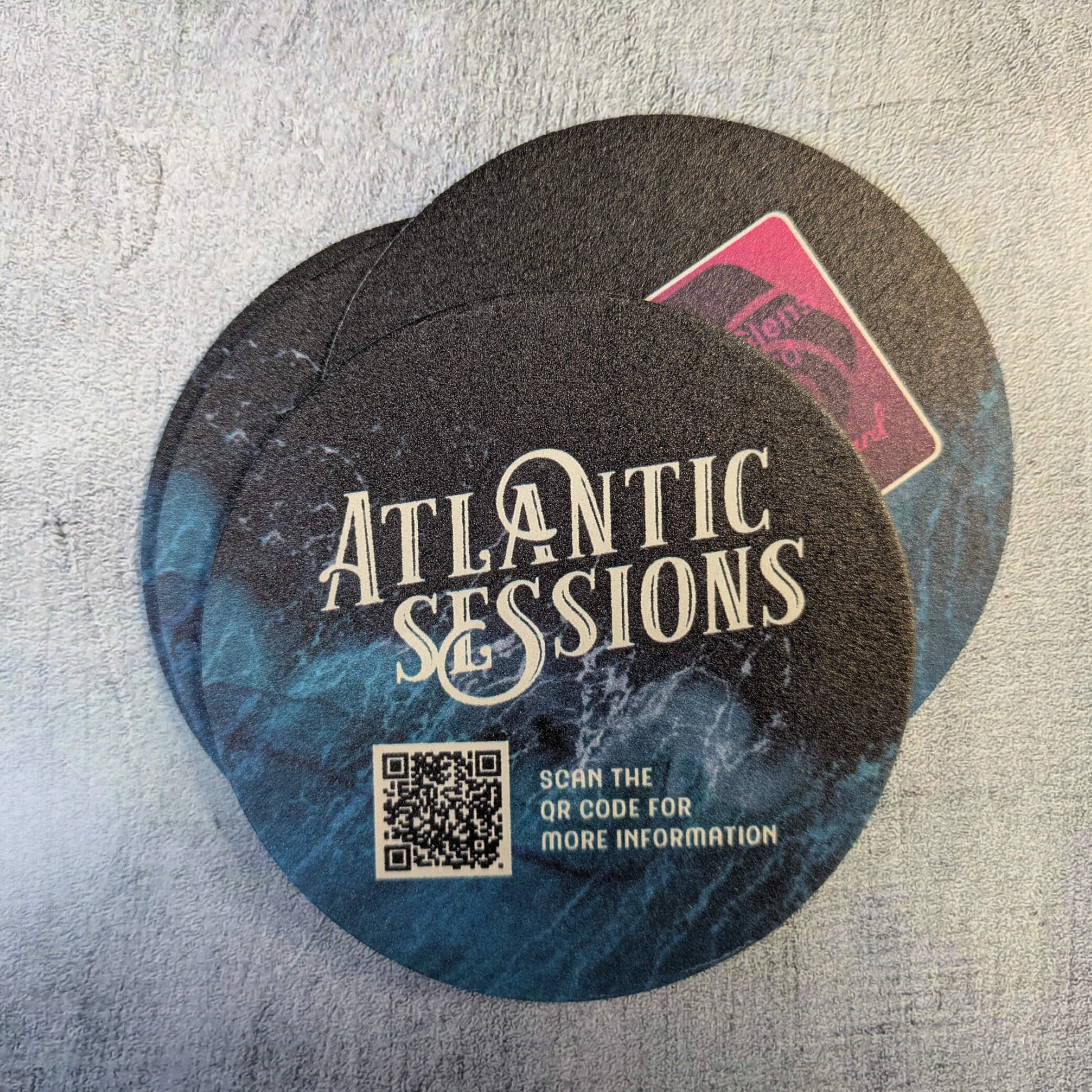
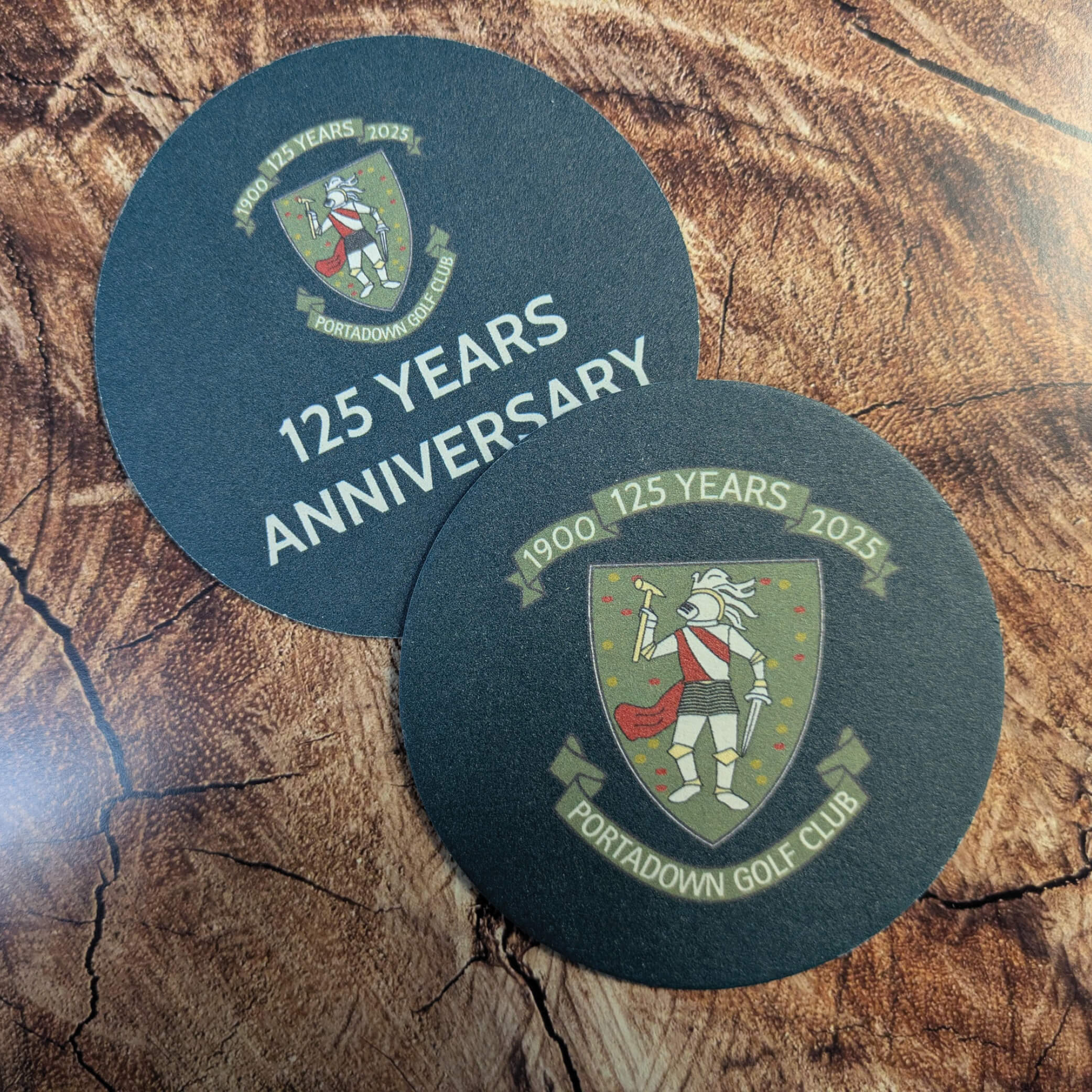
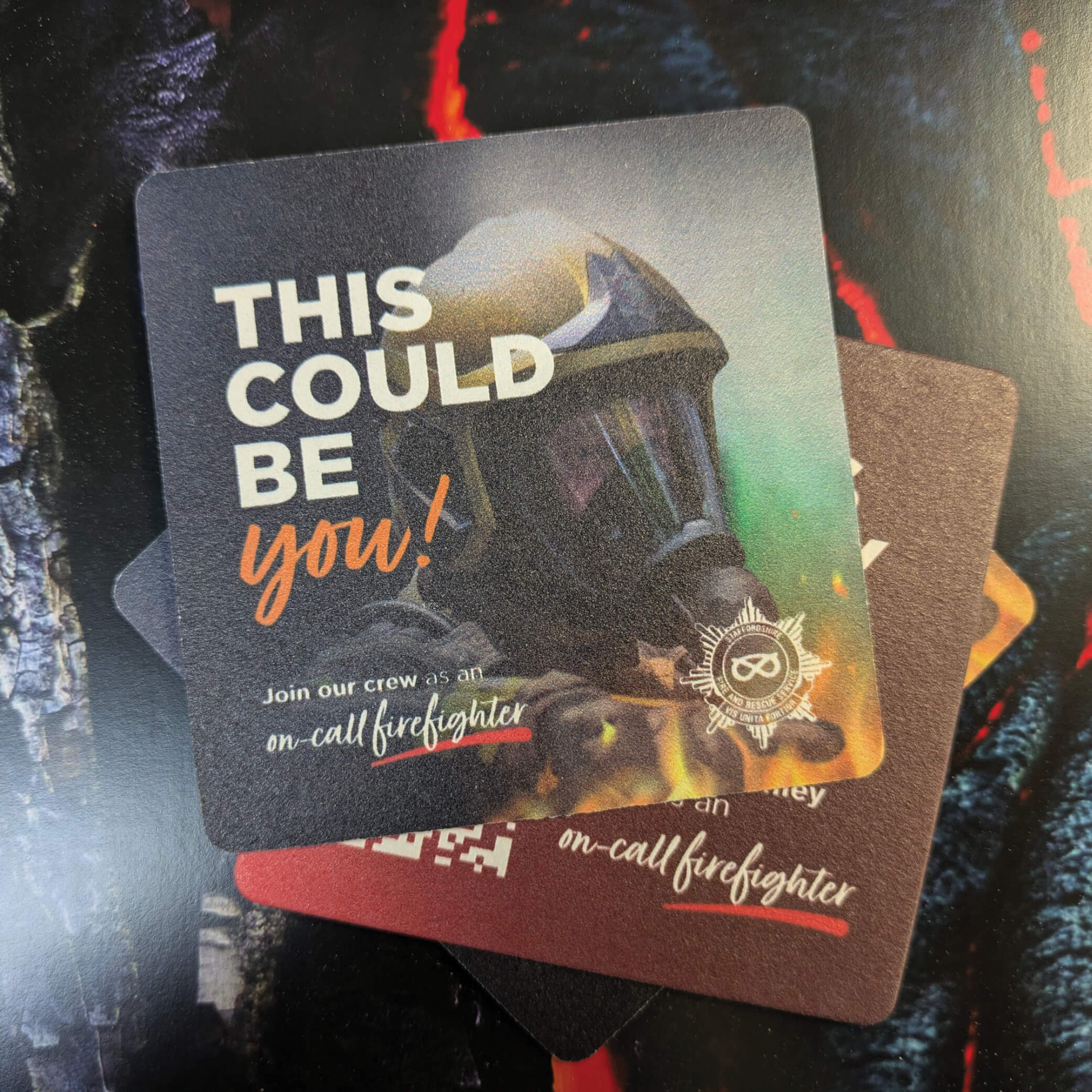
- Use both sides of the coaster creatively—one for branding, one for a call-to-action or fun message.
- Test your design at actual size by printing it on paper before sending to print.
The Value of Expert Guidance
Even if you’re a creative person, printing is a technical process. File setup, colour profiles, and material choices can make or break your design. That’s why partnering with a company like Beer Mat Print can give you confidence your final product will meet your expectations.
From initial concept to delivery, they ensure your artwork is optimised for the coaster’s small but impactful canvas.
Final Thoughts
Designing personalised drink coasters might seem straightforward, but the details matter. By avoiding the seven common mistakes in this guide—low resolution, ignoring bleed, poor layout, unreadable fonts, unsafe colours, wrong material choice, and skipping proof checks—you can ensure your coasters look sharp, professional, and memorable.
If you want expert support and high-quality results, you can explore custom printed beer mats for your next project.
To get started or ask questions about your design, reach out via Beer Mat Print’s contact page and make your coaster design one worth keeping.
Frequently Asked Questions
Q1: What is the standard size for drink coasters?
A: Most coasters are either 93 mm square or 107 mm round, but custom sizes are possible.
Q2: Can I use photographs on my coaster design?
A: Yes, as long as they are high-resolution and professionally shot for clarity in print.
Q3: Do colours always match my screen?
A: Not exactly—printing uses CMYK, so there may be slight variations. Designing in CMYK helps minimise surprises.
Q4: How many colours can I use?
A: Full-colour printing allows unlimited colours, but simpler designs often look more striking.
Q5: Can you print on both sides of a coaster?
A: Absolutely. This is a great way to include extra branding or information.